Hinter jedem nahtlosen Ambient-Video auf Sphere Music Hub verbirgt sich ein komplexer kreativer Prozess, den die meisten Zuschauer nie sehen. Was als einfaches, beruhigendes visuelles Erlebnis erscheint, ist tatsächlich das Ergebnis eines akribischen 8-10-Stunden-Workflows, der künstliche Intelligenz, professionelle Videobearbeitung, Sound Design und strategische Optimierung umfasst. Dies ist die Geschichte, wie ein einzelnes Ambient-Video geboren wird—vom ersten Funken der Inspiration bis zu dem Moment, in dem es auf YouTube live geht.
Content zu erstellen, der Millionen dabei hilft, sich zu konzentrieren, zu entspannen und ihren Flow zu finden, ist keine Frage des einfachen Aufnahmeknopf-Drückens. Es ist ein Handwerk, das technisches Fachwissen, kreative Vision und ein unerschütterliches Engagement für Qualität erfordert. Jedes Video ist eine sorgfältig orchestrierte Symphonie aus visueller Atmosphäre, musikalischer Kohärenz und psychologischer Intentionalität.
Phase 1: Vision und Konzeptualisierung
Jedes Video beginnt mit einer Frage: Welche Welt wollen wir heute erschaffen?
Die Konzeptualisierungsphase ist der Moment, in dem die Identität jedes Kanals in den Fokus rückt. Für JazzSphere Radio könnte die Vision eine verführerische Jazz-Sängerin sein, die in einer intimen Bar auftritt, umgeben von flackernden Kerzen und dem warmen Schein eines Kamins. Die Atmosphäre muss Nostalgie, Wärme und Raffinesse hervorrufen—ein Raum, in dem die Zeit langsamer vergeht und die Außenwelt verblasst.
Für Deep Focus Sphere verschiebt sich das Konzept vollständig. Hier ist das Ziel, eine luxuriöse, inspirierende Umgebung zu schaffen—eine moderne Lounge mit raumhohen Fenstern mit Blick auf einen nebligen Wald im Morgengrauen, oder ein Penthouse-Workspace mit einer atemberaubenden Skyline, die sich in die Ferne erstreckt. Die visuelle Sprache muss ruhige Produktivität, mentale Klarheit und erhöhten Fokus kommunizieren.
Chillout Sphere verlangt eine weitere Ästhetik: Dachterrassen bei Sonnenuntergang, sanfte Ambientebeleuchtung, urbane Raffinesse vermischt mit natürlicher Ruhe. Die Bilder sollten sich anfühlen wie das perfekte Ende eines langen Tages—ein Moment des Entspannens, ein Übergang von Arbeit zu Ruhe.
Cyber Dreams führt uns in die neonbeleuchtete Zukunft: regengetränkte Cyberpunk-Straßen, holographische Werbung, futuristische Skylines in violettem und cyan Licht getaucht. Die Atmosphäre ist elektrisch und doch meditativ, eine Mischung aus High-Tech-Ästhetik und introspektiver Ruhe.
Diese Phase ist täuschend kurz—oft nur 30 bis 60 Minuten—aber sie ist grundlegend. Ohne eine klare Vision verliert die gesamte Produktion ihre Kohärenz. Das Konzept bestimmt jede nachfolgende Entscheidung: die Farbpalette, die Stimmung, das Tempo und sogar die Art der Musik, die die Visuals begleiten wird.
Phase 2: KI-Bild-Prompting und Generierung
Sobald das Konzept feststeht, besteht die nächste Herausforderung darin, diese Vision in visuelle Realität umzusetzen. Hier wird KI-Bildgenerierung sowohl zu einem mächtigen Werkzeug als auch zu einem Test der Geduld.
Der Prozess beginnt mit Prompt Engineering—der Kunst, eine kreative Vision in präzise Sprache zu übersetzen, die eine KI interpretieren kann. Ein Prompt für ein JazzSphere-Video könnte lauten: "Eine wunderschöne Jazz-Sängerin in einer schwach beleuchteten Vintage-Bar, warmes Kerzenlicht, Kamin im Hintergrund, intime Atmosphäre, kinematografische Beleuchtung, 1950er-Ästhetik, fotorealistisch, 4K-Qualität."
Aber den perfekten Prompt zu erstellen, ist nur der Anfang. Die KI generiert ein Bild basierend auf dieser Beschreibung, und meistens ist das erste Ergebnis nicht ganz richtig. Vielleicht ist die Beleuchtung zu hart, oder die Komposition fühlt sich falsch an, oder der Ausdruck der Sängerin vermittelt nicht die richtige Emotion. Also wird der Prompt verfeinert, angepasst und erneut eingereicht.
Dieser iterative Prozess kann 1 bis 2 Stunden dauern und erfordert oft die Generierung von 40 oder mehr Bildern, bevor man auf das eine stößt, das die beabsichtigte Atmosphäre perfekt einfängt. Jede Iteration ist eine Verhandlung zwischen kreativer Absicht und algorithmischer Interpretation. Manchmal kann eine einzige Wortänderung—"gemütlich" durch "intim" zu ersetzen, oder "modern" durch "futuristisch"—das Ergebnis dramatisch verändern.
Sobald das ideale Bild ausgewählt ist, durchläuft es 4K-Upscaling. Dieser Schritt stellt sicher, dass das endgültige Visual scharf, detailliert und für hochauflösende Displays geeignet ist. Der Upscaling-Prozess verbessert Texturen, schärft Kanten und hebt den gesamten Produktionswert an, wodurch ein gutes Bild in ein kinematografisches verwandelt wird.
Phase 3: Animation in DaVinci Resolve Studio
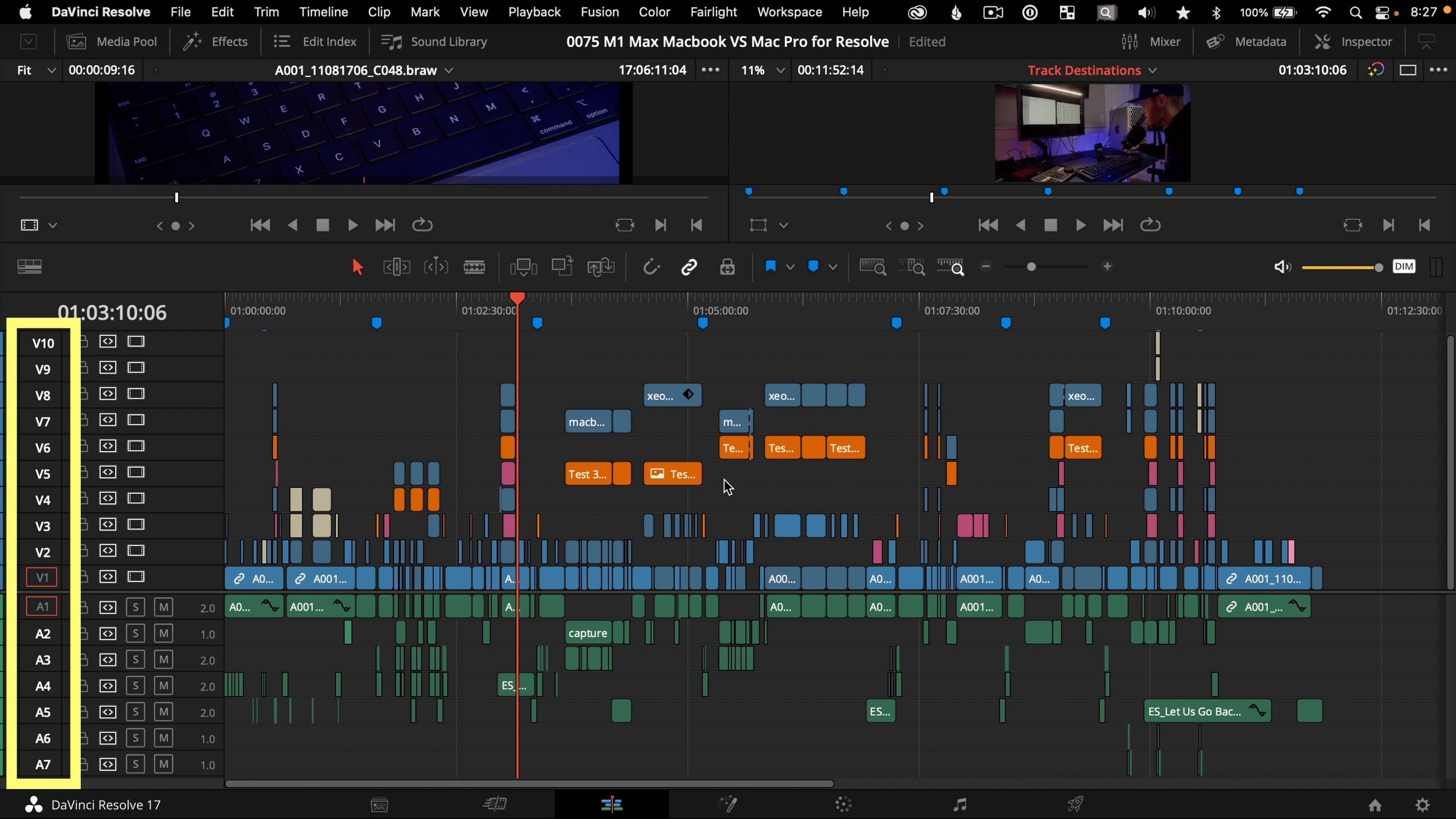
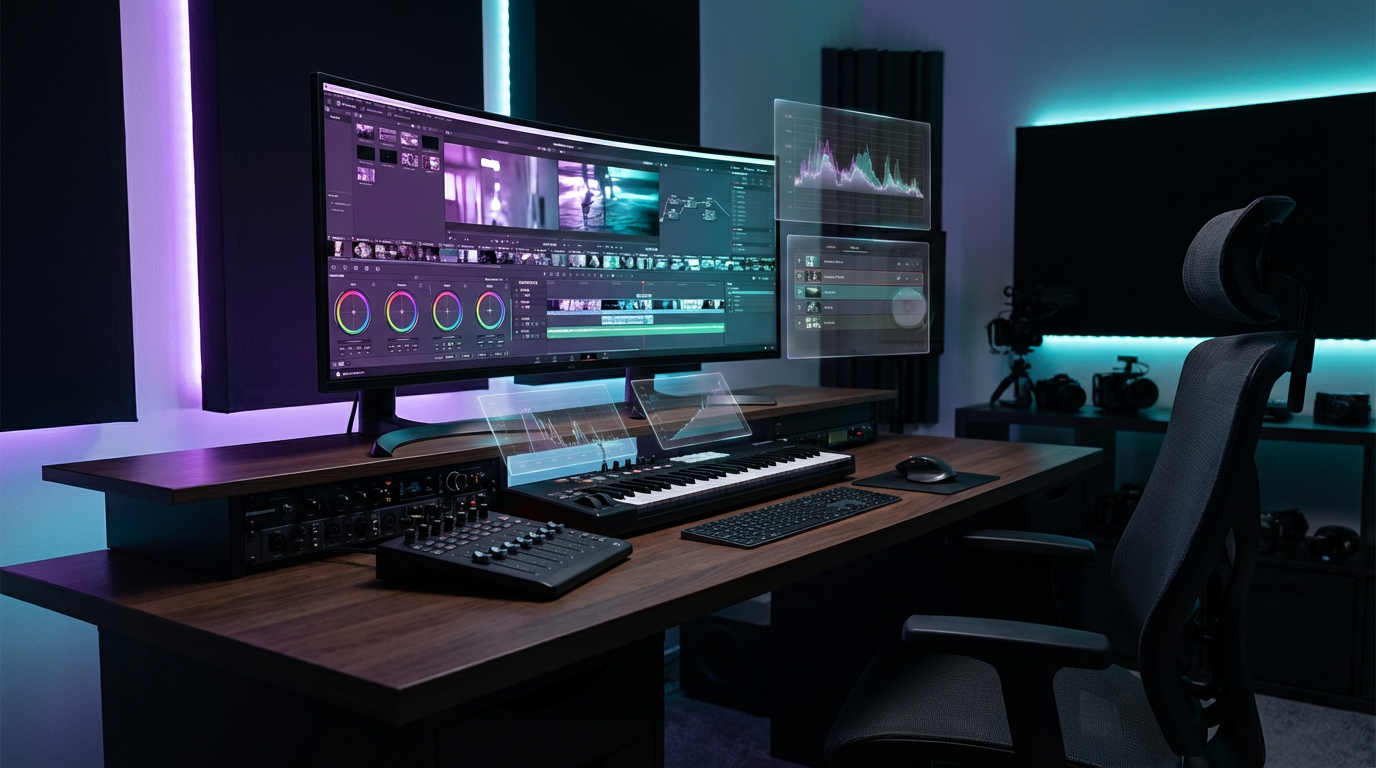
Mit dem perfekten 4K-Bild in der Hand ist die nächste Phase, es zum Leben zu erwecken. Hier wird DaVinci Resolve Studio, eine professionelle Videobearbeitungs- und Farbkorrektur-Software, zur kreativen Leinwand.
Das Ziel ist nicht einfach, ein statisches Bild stundenlang anzuzeigen. Stattdessen muss das Bild atmen, sich bewegen und sich auf subtile Weise entwickeln, die das Engagement der Zuschauer aufrechterhält, ohne Ablenkung zu verursachen. Dies wird durch eine Kombination von Techniken erreicht:
Kamerabewegung: Langsame, bewusste Schwenks und Zooms simulieren das Gefühl, einen Raum zu erkunden. Ein allmählicher Zoom in ein Fenster mit Blick auf eine Stadtlandschaft oder ein sanfter Schwenk über einen kerzenbeleuchteten Raum erzeugt ein Gefühl der Immersion.
Geschichtete Overlays: Atmosphärische Elemente wie fallender Regen, treibender Schnee, flackerndes Kerzenlicht oder schwebende Partikel werden als separate Ebenen hinzugefügt. Diese Overlays führen dynamische Bewegung und Tiefe ein und lassen die Szene lebendig wirken.
Farbkorrektur und Effekte: Subtile Anpassungen an Farbtemperatur, Kontrast und Sättigung verstärken die Stimmung. Ein warmer, goldener Glanz könnte auf eine Jazz-Bar-Szene angewendet werden, während ein kühler, blauer Ton eine Cyberpunk-Stadtlandschaft definieren könnte. Lichtlecks, Lens Flares und Vignetten fügen kinematografische Politur hinzu.
Nahtloses Looping: Vielleicht der technisch anspruchsvollste Aspekt dieser Phase ist die Erstellung eines perfekten Loops. Das Video muss vom Ende zurück zum Anfang übergehen, ohne wahrnehmbare Sprünge oder Störungen. Dies erfordert präzises Timing, sorgfältige Ausrichtung der Bewegung und oft die Verwendung von Crossfades oder Motion Blur, um den Übergangspunkt zu maskieren. Ein gut ausgeführter Loop ermöglicht es dem Video, stundenlang zu laufen, ohne die Immersion des Zuschauers zu unterbrechen.
Diese Animationsphase dauert typischerweise 4 bis 5 Stunden. Es ist akribische, detailorientierte Arbeit, die sowohl technisches Können als auch künstlerische Sensibilität erfordert. Jeder Frame wird geprüft, jeder Übergang verfeinert, bis das visuelle Erlebnis mühelos wirkt.
Phase 4: Sound Design mit Suno AI
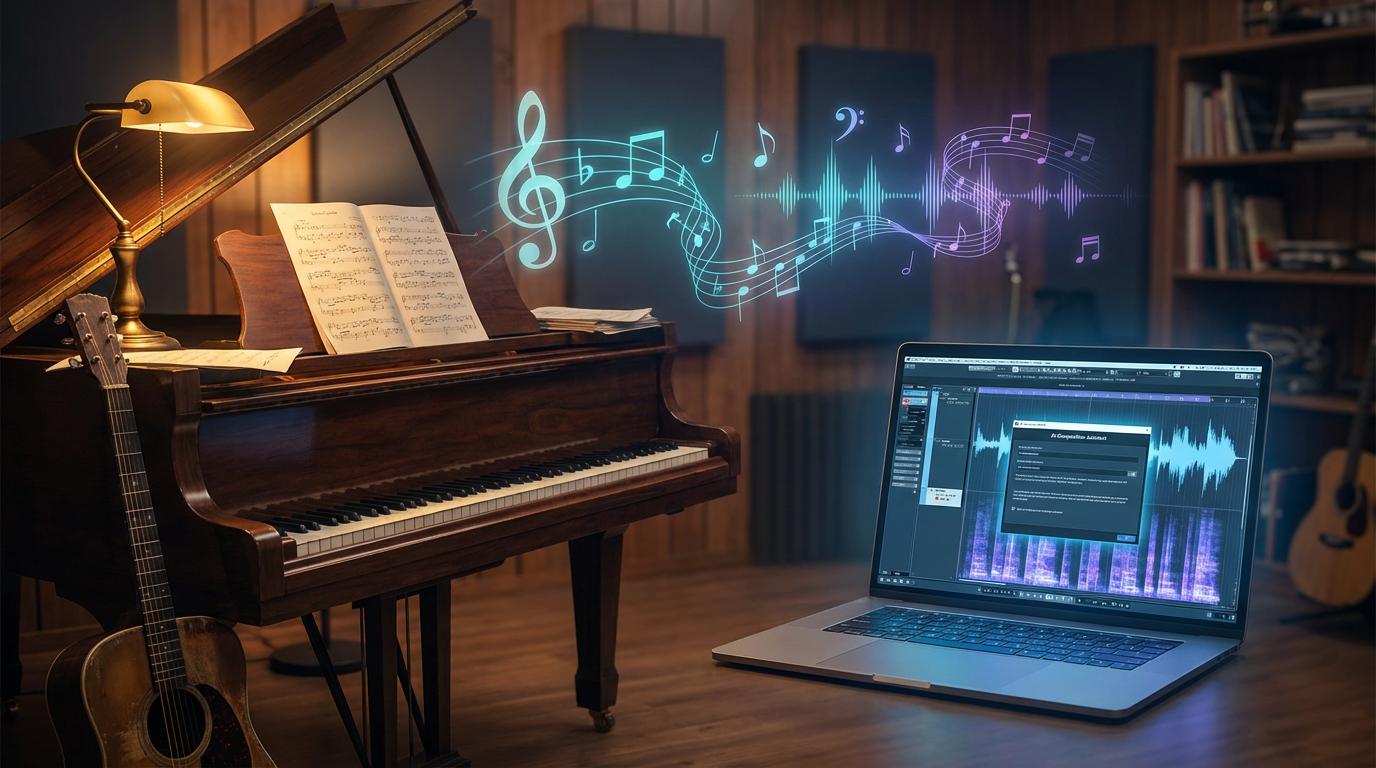
Während die Visuals perfektioniert werden, ist die nächste monumentale Aufgabe Sound Design. Für Sphere Music Hub ist Musik kein nachträglicher Einfall—sie ist der Kern des Erlebnisses. Die richtige Soundscape kann ein schönes Bild in ein transformatives Werkzeug für Fokus, Entspannung oder Kreativität verwandeln.
Der Prozess beginnt mit KI-unterstützter Musikgenerierung mit Suno AI, einer Plattform, die Originalmusik basierend auf Textprompts erstellt. Genau wie bei der Bildgenerierung hängt die Qualität des Outputs stark von der Präzision des Prompts ab.
Für ein Deep Focus Video könnte der Prompt spezifizieren: "Ambient elektronische Musik, sanfte Pads, minimale Percussion, atmosphärische Texturen, 90 BPM, ruhig und meditativ, keine Vocals, lange evolvierende Soundscapes."
Für ein Chillout Sphere Video: "Relaxter Deep House, sanfte Bassline, sanfte Beats, warme Synths, Sonnenuntergangs-Vibes, Downtempo, 100 BPM, Lounge-Atmosphäre."
Für JazzSphere: "Smooth Jazz, sanftes Piano, Kontrabass, gebürstete Drums, intim und warm, Late-Night-Bar-Atmosphäre, keine Vocals."
Die KI generiert Tracks basierend auf diesen Prompts, aber—wie bei den Visuals—ist nicht jeder Track verwendbar. Um höchste Qualität zu gewährleisten, werden 100 Tracks generiert. Jeder wird vollständig angehört, auf emotionale Resonanz, tonale Konsistenz und Eignung für die Atmosphäre des Videos bewertet.
Dieser Hör- und Auswahlprozess ist erschöpfend. Von 100 Tracks werden typischerweise 40 bis 45 ausgewählt. Der Rest wird verworfen—entweder weil sie nicht zur beabsichtigten Stimmung passen, oder weil sie störende Elemente, unangenehme Übergänge oder tonale Inkonsistenzen enthalten.
Diese Phase allein kann 2 bis 3 Stunden dauern. Es ist ein Test der Ausdauer und des Unterscheidungsvermögens, der sowohl ein geschultes Ohr als auch ein tiefes Verständnis dafür erfordert, wie Musik den mentalen Zustand des Hörers beeinflusst.
Phase 5: Integration, Rendering und Testing
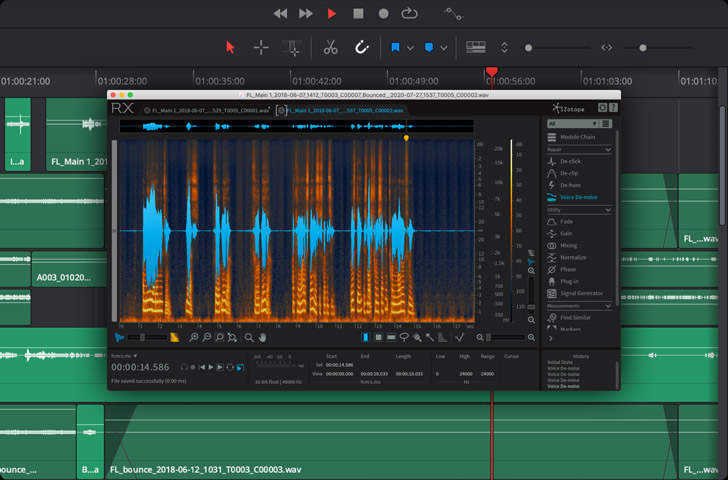
Mit finalisierten Visuals und Musik ist der nächste Schritt Integration. Die ausgewählten Tracks werden in DaVinci Resolve importiert und mit dem Loop-Video synchronisiert. Dies ist keine einfache Drag-and-Drop-Operation. Jeder Track muss sorgfältig platziert werden, um sanfte Übergänge zwischen Songs zu gewährleisten, und der Gesamtfluss muss kohärent wirken.
Kapitel und Zeitstempel werden zum Video hinzugefügt. Diese ermöglichen es den Zuschauern, zu bestimmten Tracks zu navigieren, was das Video benutzerfreundlicher macht und das Engagement erhöht. Jedes Kapitel wird mit dem Track-Namen oder einem beschreibenden Titel versehen, und die Zeitstempel werden akribisch auf Genauigkeit überprüft.
Sobald die Integration abgeschlossen ist, wird das Video gerendert. Das Rendern eines hochauflösenden, mehrstündigen Videos kann erhebliche Zeit in Anspruch nehmen, abhängig von der Komplexität der Effekte und der Länge des finalen Outputs. Die gerenderte Datei wird dann auf mehreren Geräten getestet—Desktop, Tablet und Mobilgerät—um sicherzustellen, dass die Visuals korrekt angezeigt werden, der Ton ausgewogen ist und der Loop nahtlos ist.
Diese Phase dauert typischerweise etwa 1 Stunde, obwohl Rendering-Zeiten variieren können.
Phase 6: Thumbnail-Design und YouTube-SEO
Das Video ist fertig, aber die Arbeit ist nicht abgeschlossen. In der kompetitiven Landschaft von YouTube ist ein großartiges Video nutzlos, wenn niemand darauf klickt. Hier werden Thumbnail-Design und YouTube-SEO kritisch.
Das Thumbnail ist das Erste, was ein potenzieller Zuschauer sieht. Es muss visuell auffällig, emotional resonant und sofort kommunikativ über den Inhalt des Videos sein. Für ein Deep Focus Video könnte das Thumbnail einen sauberen, minimalistischen Workspace mit sanfter Beleuchtung und einem Slogan wie "3 Stunden Deep Focus Musik" zeigen. Für ein JazzSphere-Video könnte es die Jazz-Sängerin in der kerzenbeleuchteten Bar zeigen, mit eleganter Typografie und einer warmen Farbpalette.
Thumbnail-Design ist sowohl Kunst als auch Wissenschaft. Es erfordert ein Verständnis von Farbtheorie, Komposition, Typografie und Zuschauer-Psychologie. Ein schlecht gestaltetes Thumbnail kann selbst das beste Video in die Dunkelheit verdammen.
Als Nächstes kommt Titel- und Beschreibungsoptimierung. Der Titel muss klar, keyword-reich und überzeugend sein. Er sollte dem Zuschauer genau sagen, was er bekommen wird, während er auch Suchbegriffe einbezieht, die der YouTube-Algorithmus erkennen wird. Beispiele:
- "Deep Focus Musik – 3 Stunden Ambient Soundscapes zum Lernen, Arbeiten & Konzentrieren"
- "Smooth Jazz in einer gemütlichen Bar – Entspannendes Piano & Bass für Late Night Vibes"
- "Chillout Deep House – Sunset Rooftop Session zur Entspannung & Erholung"
Die Beschreibung erweitert den Titel, bietet Kontext, Zeitstempel und zusätzliche Keywords. Sie enthält auch Links zu anderen Videos, Playlists und Social-Media-Kanälen und hilft, ein breiteres Ökosystem von Content aufzubauen.
Tags werden hinzugefügt, um dem YouTube-Algorithmus weiter zu signalisieren, worum es im Video geht. Diese werden sorgfältig basierend auf Suchvolumen, Relevanz und Konkurrenz ausgewählt.
Diese finale Optimierungsphase dauert etwa 1 Stunde, aber es ist gut investierte Zeit. Ein gut optimiertes Video kann exponentiell mehr Zuschauer erreichen als eines, das technisch perfekt, aber schlecht vermarktet ist.
Die finale Rechnung: 8 bis 10 Stunden
Wenn alle Phasen abgeschlossen sind, beträgt die gesamte Zeitinvestition für ein einzelnes Ambient-Video 8 bis 10 Stunden. Dies beinhaltet nicht die Jahre der Erfahrung, die erforderlich sind, um die Fähigkeiten zu entwickeln, die Kosten für Software und Werkzeuge oder das fortlaufende Lernen und Iterieren, das mit dem Betrieb eines erfolgreichen YouTube-Kanals einhergeht.
Aber das Ergebnis ist es wert. Jedes Video ist ein poliertes, professionelles Content-Stück, das einem spezifischen Zweck dient: Menschen zu helfen, sich zu konzentrieren, zu entspannen, zu kreieren oder einfach einen Moment des Friedens in einer chaotischen Welt zu finden.
Warum dieser Prozess wichtig ist
Das Verständnis der Tiefe dieses Workflows offenbart etwas Wichtiges: Qualitäts-Content ist nicht zufällig. Er ist das Ergebnis von intentionalem Design, technischem Fachwissen und unermüdlicher Verfeinerung.
Für Zuschauer bedeutet dies, dass jedes Video, das sie auf Sphere Music Hub ansehen, mit Sorgfalt erstellt wurde. Für aufstrebende Creator dient es als Erinnerung daran, dass Exzellenz Anstrengung, Geduld und die Bereitschaft zum Iterieren erfordert.
Und für die breitere kreative Community hebt es die sich entwickelnde Rolle von KI in der Content-Erstellung hervor. KI ersetzt nicht menschliche Kreativität—sie verstärkt sie. Die Werkzeuge sind mächtig, aber sie sind nur so effektiv wie die Vision und das Können der Person, die sie einsetzt.
Fazit
Das nächste Mal, wenn Sie auf ein Deep Focus Video klicken oder eine Chillout Sphere Session Sie durch einen Sonnenuntergang trägt, erinnern Sie sich an die Reise, die es auf Ihren Bildschirm gebracht hat. Hinter dem nahtlosen Loop, der perfekten Soundscape und den beruhigenden Visuals liegt eine 10-Stunden-Odyssee aus Kreativität, Technologie und Handwerkskunst.
Dies ist die Kunst der Ambient-Videoproduktion. Und sie fängt gerade erst an.
TAGS
Share this article